
BIM · All levels
Mastering Revit Api Using C# for Revit users
Learn C# from the basics up to OOP, then Revit API to build tools and Add-ins for Revit with Windows Forms interfaces, with applications for all disciplines.
70chapters
100video lessons
36:07:13actual length
ARTaught in Arabic
Recordedwith support, not live and not on-site
This page is translated from Arabic. The course videos are in Arabic.

About this course
A programming course for Revit users, split into 4 levels: two levels for learning C# and two for Revit API. Most of the course is examples and applications, and C# is taught directly inside Revit so you get used to outputting results, Testing, and understanding the errors the software throws.
- Instructor
- Eng. Alaa Elsolami
- Software
- Revit, C#
What you will learn
- C# basics: data types, variables, Lists, Arrays, conditions and Loops
- Object-oriented programming (OOP): Classes, Objects, Inheritance, Interfaces and Exception Handling
- Setting up the work environment, creating a Revit Add-in from a Template, and using AddinManager and Revit Lookup
- Working with Documents, Transactions, selection types, and element categories and properties
- Geometry in Revit API: points, lines, Vectors, Solids and Faces, and creating elements
- Building Windows Forms interfaces for your tools (Buttons, TextBoxes, ComboBox, DataGridView and more)
- Practical applications such as Parameters Transfer and Warning Isolation, plus structural, architectural and MEP examples
Course content at a glance
- C# Level 01 (Beginner): language basics
- C# Level 02 (Advanced): object-oriented programming (OOP) and preparation for Revit API
- Revit API Level 01: building professional tools for Revit
- Revit API Master Level: interfaces (UI), examples and tests for all disciplines (STR, ARCH, MEP)
Who this course is for
- Revit users who want to build their own tools
- Structural, architectural and MEP engineers; each trainee takes the applications and test for their own discipline
What you need before you start
- Working knowledge of Revit
- C# is taught from the basics in the first level

Instructor
Eng. Alaa Elsolami
Course content
70chapters
100video lessons
36:07:13Actual length (h:m:s)
01 C# - Level.01 (Beginner) Time 4.13 22 lessons4h 13m ⌄
01 .Introduction 1 lesson3m ⌄
- 01 Introduction 02:51
02 .Install & Configuration 3 lessons31m ⌄
- 01 Install Configuration - Part.01 Watch free 19:07
- 02 Install Configuration - Part.02 09:08
- 03 Install Configuration - Part.03 02:36
03 .Data Types & Variables 3 lessons21m ⌄
- 01 Data Types & Variables - Part.01 08:16
- 02 Data Types & Variables - Part.02 07:25
- 03 Data Types & Variables - Part.03 05:01
04 .String Type 1 lesson12m ⌄
- 01 String Type 11:41
05 .Common Operators 1 lesson13m ⌄
- 01 Common Operators 12:34
06 .Nullable Types 1 lesson4m ⌄
- 01 Nullable Types 04:11
07 .Data Types Conversion 2 lessons18m ⌄
- 01 Data Types Conversion - Part.01 10:31
- 02 Data Types Conversion - Part.02 07:29
08 .Lists & Arrays 1 lesson21m ⌄
- 01 Lists & Arrays 21:00
09 .Comments & Regions 1 lesson6m ⌄
- 01 Comments & Regions 06:14
10 .If Statement 1 lesson15m ⌄
- 01 If Statement 14:40
11 .Switch Statement 1 lesson7m ⌄
- 01 Switch Statement 06:45
12 While And Do While Loop 1 lesson7m ⌄
- 01 While And Do While Loop 06:55
13 For & Foreach Loops 1 lesson31m ⌄
- 01 For & Foreach Loops 30:55
14 Applications Level.01 4 lessons1h 6m ⌄
- 01 Applications Level.01 - Part.01 15:53
- 02 Applications Level.01 - Part.02 09:06
- 03 Applications Level.01 - Part.03 22:36
- 04 Applications Level.01 - Part.04 Watch free 18:10
02 C# - Level02 (Advanced) Time 4.22 17 lessons4h 22m ⌄
01 .Using Methods 1 lesson14m ⌄
- 01 Using Methods 14:13
02 .Passing Values In Parameters 1 lesson17m ⌄
- 01 Passing Values In Parameters 17:03
03 .References & Namespaces 1 lesson8m ⌄
- 01 References & Namespaces 07:33
04 .Introduction To Classes 1 lesson6m ⌄
- 01 Introduction To Classes 06:00
05 .Class & Objects 1 lesson21m ⌄
- 01 Class & Objects 20:46
06 .Constructors 1 lesson10m ⌄
- 01 Constructors 10:13
07 .Access Modifiers 1 lesson5m ⌄
- 01 Access Modifiers 04:38
08 .Properties 1 lesson10m ⌄
- 01 Properties 10:29
09 .Method Overloading 1 lesson7m ⌄
- 01 Method Overloading 06:54
10 .Inheritance 1 lesson9m ⌄
- 01 Inheritance 09:18
11 .Using Interfaces 1 lesson5m ⌄
- 01 Using Interfaces 05:26
12 .Enumerations 1 lesson9m ⌄
- 01 Enumerations 08:30
13 .Exception Handling 1 lesson9m ⌄
- 01 Exception Handling 08:30
14 .Applications Level.02 3 lessons1h 16m ⌄
- 01 Applications Level.02 - Part.01 23:45
- 02 Applications Level.02 - Part.02 37:57
- 03 Applications Level.02 - Part.03 14:36
15 .Preparation For Revit API 1 lesson57m ⌄
- 01 Preparation Fro Revit API Watch free 56:38
03 Revit API - Level.01 Time 13.35 29 lessons13h 35m ⌄
01 .Framework & References 1 lesson25m ⌄
- 01 Framework & References 25:07
02 .Revit Addin Template 1 lesson8m ⌄
- 01 Revit Addin Template 08:26
03 .AddinManager 1 lesson4m ⌄
- 01 AddinManager 04:14
04 .Revit Lookup Plugin 2 lessons41m ⌄
- 01 Revit Lookup Plugin - Part.01 31:39
- 02 Revit Lookup Plugin - Part.02 09:50
05 .Application & Documents 1 lesson30m ⌄
- 01 Application Documents 29:46
06 .Transactions Types 1 lesson24m ⌄
- 01 Transactions Types 23:57
07 .Types Of Selections 3 lessons1h 27m ⌄
- 01 Types Of Selection - Part.01 25:45
- 02 Types Of Selection - Part.02 30:54
- 03 Types Of Selection - Part.03 29:55
08 .Elements Classifications 2 lessons40m ⌄
- 01 Elements Classifications - Part.01 25:51
- 02 Elements Classifications - Part.02 13:50
09 .Elements Properties 1 lesson17m ⌄
- 01 Elements Properties 16:32
10 .General Examples 3 lessons1h 8m ⌄
- 01 Plugin - Example.01 16:59
- 02 Plugin - Example.02 26:51
- 03 Plugin - Example.03 24:09
11 .XYZ & Points Geometry 1 lesson28m ⌄
- 01 XYZ & Points Geometry 28:01
12 .Lines & Vectors Geometry 2 lessons1h 1m ⌄
- 01 Lines & Vectors Geometry - Part.01 27:24
- 02 Lines & Vectors Geometry - Part.02 33:46
13 .Geometry Elements & Solids 1 lesson25m ⌄
- 01 Geometry Elements & Solids 25:08
14 .Face Geometry 1 lesson12m ⌄
- 01 Face Geometry 12:12
15 .Elements Creation 1 lesson23m ⌄
- 01 Elements Creation 22:33
16 .Utils Types & ChatGPT 1 lesson12m ⌄
- 01 Utils Types & ChatGPT 11:45
17 .Addins Applications › Addin Application.01 1 lesson1h 5m ⌄
- 01 Addin Application.01 1:04:59
18 .Addins Applications › Addin Application.02 1 lesson1h 2m ⌄
- 01 Addin Application.02 1:02:25
19 .Addins Applications › Addin Application.03 1 lesson48m ⌄
- 01 Addin Application.03 48:10
20 .Addins Applications › Addin Application.04 1 lesson45m ⌄
- 01 Addin Application.04 45:24
21 .Addins Applications › Addin Application.05 1 lesson29m ⌄
- 01 Addin Application.05 29:08
22 .Addins Applications › Addin Application.06 1 lesson1h 0m ⌄
- 01 Addin Application.06 1:00:09
04 Revit API - Master Level Time 13.57 32 lessons13h 57m ⌄
01 .Windows Form Application 1 lesson47m ⌄
- 01 Windows Form Application 46:59
02 .Buttons 1 lesson18m ⌄
- 01 Buttons 17:38
03 .Labels & Text Boxes 1 lesson16m ⌄
- 01 Labels & Text Boxes 15:39
04 .CheckBox & ComboBox 1 lesson30m ⌄
- 01 CheckBox & ComboBox 29:40
05 .CheckedListBox 1 lesson15m ⌄
- 01 CheckedListBox 14:49
06 .ColorDialog 1 lesson4m ⌄
- 01 ColorDialog 04:04
07 .ListBox & FoldersDialog 1 lesson5m ⌄
- 01 ListBox & FoldersDialog 04:54
08 .GroupBox & Panels 1 lesson6m ⌄
- 01 GroupBox & Panels 05:39
09 .RadioButtons & Spliter 1 lesson6m ⌄
- 01 RadioButtons & Spliter 05:39
10 .TrackBar 1 lesson5m ⌄
- 01 TrackBar 05:27
11 .DataGridView 1 lesson44m ⌄
- 01 DataGridView 43:36
12 .Guna Package 1 lesson23m ⌄
- 01 Guna Package 22:37
13 .Parameters Transfer Plugin (all disciplines) 3 lessons1h 20m ⌄
- 01 Parameters Transfer Plugin (all disciplines) - Part.01 30:40
- 02 Parameters Transfer Plugin (all disciplines) - Part.02 32:39
- 03 Parameters Transfer Plugin (all disciplines) - Part.03 17:02
14 .Warning Isolation Plugin (all disciplines) 3 lessons1h 27m ⌄
- 01 Warning Isolation Plugin (all disciplines) - Part.01 30:04
- 02 Warning Isolation Plugin (all disciplines) - Part.02 27:14
- 03 Warning Isolation Plugin (all disciplines) - Part.03 29:28
15 .Reinforcement Concepts (STR) 6 lessons3h 0m ⌄
- 01 Reinforcement Concepts (STR) - Part.01 31:12
- 02 Reinforcement Concepts (STR) - Part.02 31:57
- 03 Reinforcement Concepts (STR) - Part.03 33:21
- 04 Reinforcement Concepts (STR) - Part.04 29:20
- 05 Reinforcement Concepts (STR) - Part.05 32:56
- 06 Reinforcement Concepts (STR) - Part.06 21:17
16 .MEP Concepts (MEP) 3 lessons1h 50m ⌄
- 01 MEP Concepts (MEP) - Part.01 29:21
- 02 MEP Concepts (MEP) - Part.02 36:19
- 03 MEP Concepts (MEP) - Part.03 44:13
17 .Arch Concepts (ARCH) 3 lessons1h 27m ⌄
- 01 Arch Concepts (ARCH) - Part.01 28:32
- 02 Arch Concepts (ARCH) - Part.02 31:20
- 03 Arch Concepts (ARCH) - Part.03 26:58
18 .Revit Events 1 lesson23m ⌄
- 01 Revit Events 23:15
19 .Finishilize Plugin 1 lesson53m ⌄
- 01 Finishilize Plugin 53:02
Lengths are measured from the video files themselves.
What do you get when you enroll?
Recorded videos
Watch whenever suits you and replay any lesson as often as you like.
B&E Player
The course runs in a protected player on your computer, even offline after activation. If you change computers, you get 3 free moves per course; after that a move costs a small fee.
Certificate of completion
You request the certificate after you solve the course tasks, finish part of the course and upload your work to the site. It has a verification page with its number.
Support and follow-up
Ask in the forum or book a support call with the instructor.
Mastering Revit Api Using C# for Revit users
Start today and learn on real projects
70 chapters, 100 lessons, 36.1 hours of teaching
What our students say
WhatsApp
صباح الخير ياهندسة ازي حضرتك يارب تكون بخير، حابب اشكر حضرتك الاول علي المجهود الجبار المعمول ف الدبلومة 💙🙏 كنت ف انترفيو الاسبوع اللي فات في مكتب كبير، والمهندس اللي عمل الانترفيو انبهر جدا بمستوايا ف الريفيت وسالني اتعلمت مع مين، فقلتله ان معظم اللي اعرفه كان من مهندس حسام الزهيري والدبلومة بتاعته وطلع عارف حضرتك 😂 والحمدلله اتقبلت وفي مرحلة التفاوض علي المرتب 💙
WhatsApp
والله دي حقيقه، انا كنت ف شركه زدت ٦ أضعاف مرتبي بعد توفيق ربنا الفضل للمحتوى بتاعكم
WhatsApp
عاوز اقولك حاجه، والله انا رحت شركه كبيره، مستوى حلو جدا جدا ف الريفيت مقارنه بال موجودين الفضل لربنا ثم حضرتك، ورشحت لحضرتك زميل هنا واشترك مع حضرتك من اسبوع
Related courses


Planning 7.5 h All levels
Projects Monitoring and Reporting – using Primavera and Power BI
 Eng. Mahmoud Abozeid
$13
$20
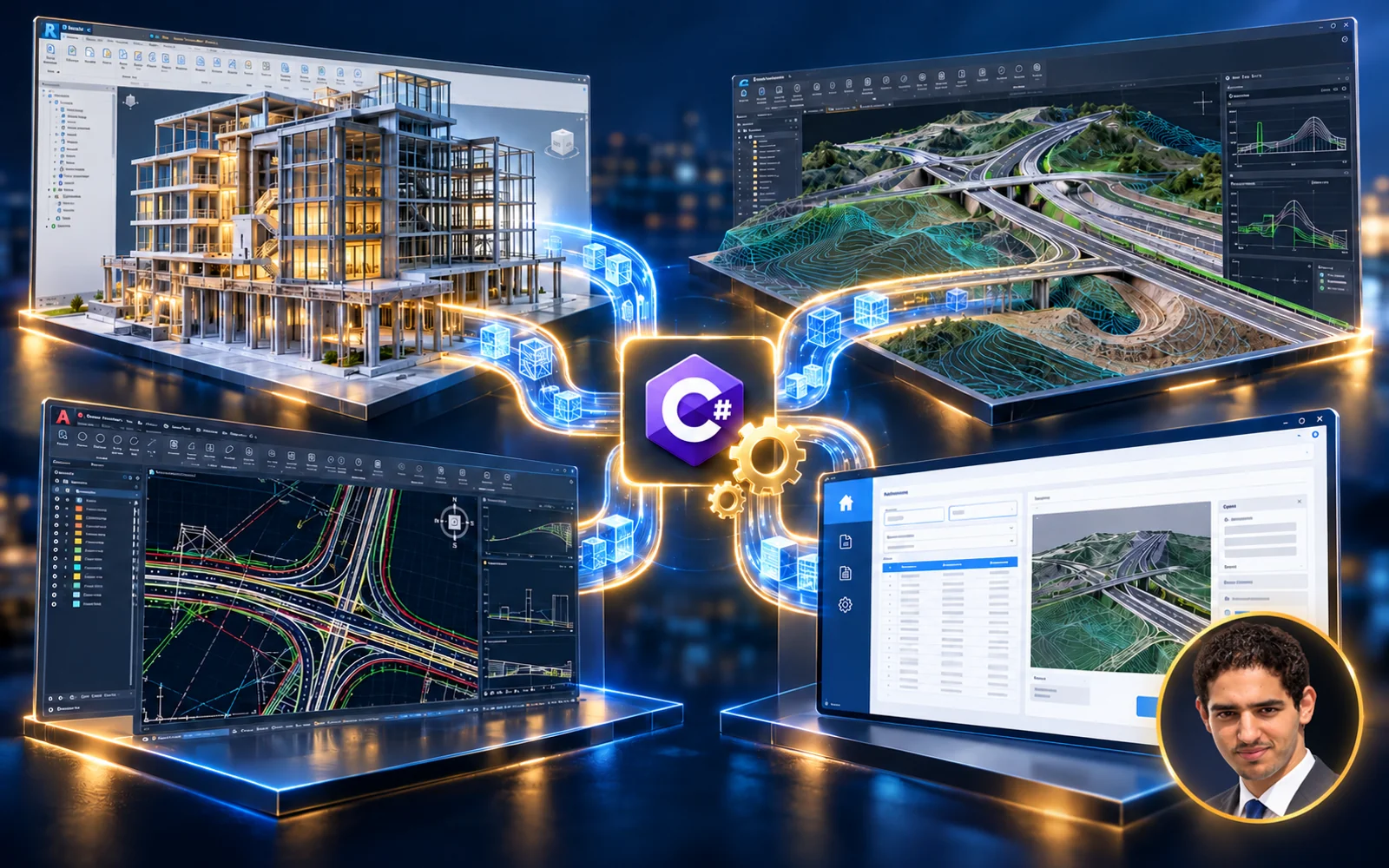
BIM 74.8 h All levels
Mastering Api Using C# (Revit + WPF + CAD + Civil 3d)
Eng. Alaa Elsolami
$90
$200
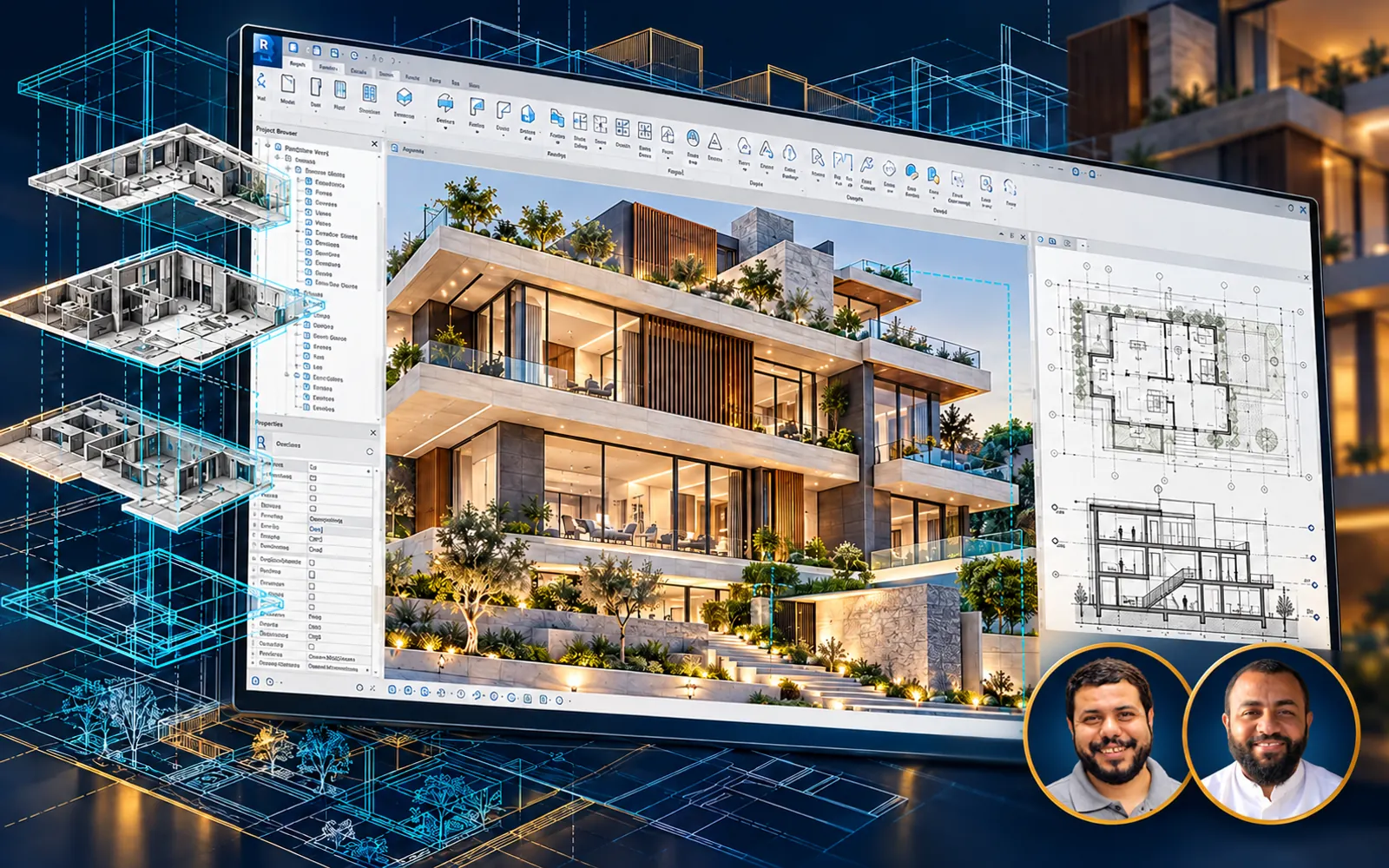
BIM 114.4 h All levels
Mastering Autodesk Revit

 Eng. Hosam Elzohry & Eng. Ahmed Abdelaal Youssef
$19
$40