
BIM · All levels
Enscape 3d Render for Revit users
Learn Enscape with Revit: navigating the scene, lighting, atmosphere and sky, creating renders, animations and 360 images, and exporting the project for the client.
11chapters
70video lessons
6:09:24actual length
ARTaught in Arabic
Recordedwith support, not live and not on-site
This page is translated from Arabic. The course videos are in Arabic.
About this course
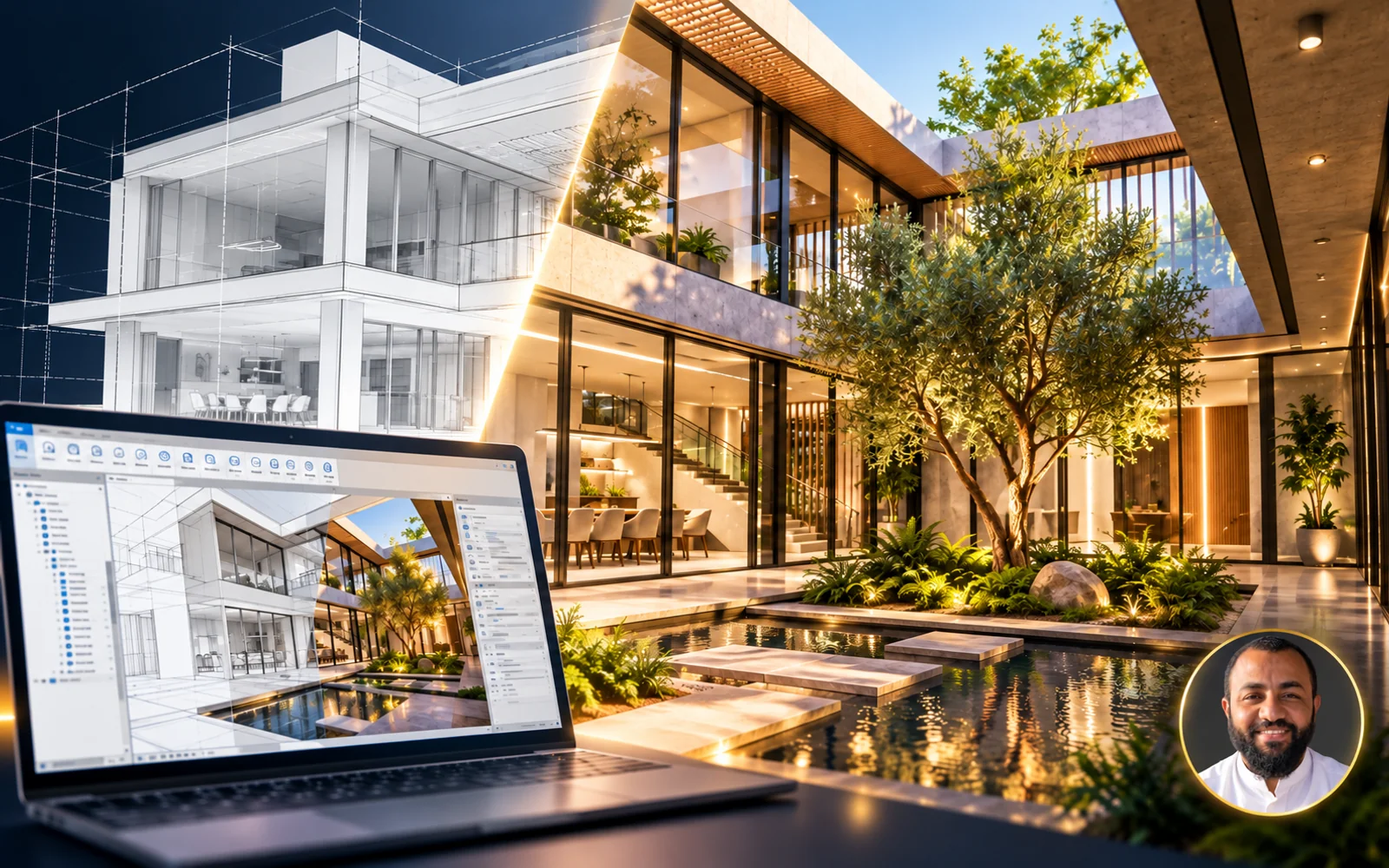
An Enscape course for Revit users. You will learn how to prepare the scene, control lighting and the overall atmosphere, produce rendered images and animation videos of your project, and export the project so the client can explore it without installing the software.
- Instructor
- Eng. Ahmed Abdelaal
- Software
- Enscape, Revit
What you will learn
- Installing and activating the Plugin
- Navigating the scene and controlling lighting and the overall atmosphere
- Choosing camera angles that showcase the quality of your work
- Creating single and batch renders and controlling quality and time
- Creating animation videos of the project
- Adding Image Effects and advanced Presets
- Controlling weather, sky, clouds, stars and sun
- Output settings, exporting the project for the client, and 360 images and uploading them to different platforms
Who this course is for
- Revit users who want to produce visualizations of their projects
- Architects and visualization engineers
What you need before you start
- Knowledge of Revit

Instructor
Eng. Ahmed Abdelaal Youssef
Course content
11chapters
70video lessons
6:09:24Actual length (h:m:s)
01 Enscape Version 2.7.0 24 lessons2h 0m ⌄
- 01 demo at end 00:05
- 02 000 00:29
- 03 Enscape 3d Download 05:20
- 04 Enscape 3d Requirements 06:03
- 05 Enscape3d Educational license 03:09
- 06 Setup Enscape3d 11:02
- 07 Enscape Tools In General Watch free 02:46
- 08 Switch 3D Views Watch free 03:20
- 09 Navigation in Your New World Watch free 06:35
- 10 Change Render Time in one Second Watch free 02:46
- 11 Asset Library Watch free 07:46
- 12 Adding Camera With Enscape Watch free 04:08
- 13 Render a single View Watch free 04:02
- 14 Batch Render Watch free 04:38
- 15 How to Make a Video (Animation) Watch free 10:25
- 16 Export Animation Video Watch free 05:38
- 17 Multi-Time Animation Watch free 05:54
- 18 Panoramas 03:53
- 19 Manage Uploads Watch free 03:54
- 20 Uploading Panorama on Facebook Watch free 01:37
- 21 Pano2Vr and SWF File Player Watch free 04:44
- 22 Adding Family Sound Watch free 06:38
- 23 Sound Tricks Watch free 05:19
- 24 Convert Your Project TO EXE Or Cloud Viewer 10:02
02 Enscape Version 3.0.0 45 lessons4h 9m ⌄
01 Enscape Module 01 - Download and Setup Plugin 2 lessons13m ⌄
- 01 Setup Enscape Version 3.0 11:13
- 02 Adding Assets 02:12
02 Enscape Module 02 - Navigation As Ababy 8 lessons31m ⌄
- 01 Enscape Power 04:36
- 02 Enscape Tools In General Watch free 03:47
- 03 Switch 3D Views Watch free 02:30
- 04 Navigation in Your New World Watch free 05:10
- 05 Speed Navigation 02:05
- 06 Change Render Time in one Second Watch free 06:18
- 07 Render Elevation Trick 01:47
- 08 Asset Library Watch free 04:57
03 Enscape Module 03 - Rendering And Animation 14 lessons1h 47m ⌄
- 01 Adding Camera With Enscape Watch free 08:22
- 02 Render a single View Watch free 08:52
- 03 Batch Render Watch free 02:59
- 04 How to Make a Video (Animation) Watch free 11:15
- 05 Advanced Keyframe - Time Of Day 10:32
- 06 Focal Point And Field Of View 11:23
- 07 Timestamp and Adding Keyframe Mid between Two 11:10
- 08 Invert Path 06:02
- 09 Panoramas and Manage Uploads 06:52
- 10 Uploading Panorama on Facebook Watch free 01:37
- 11 Pano2Vr and SWF File Player Watch free 04:44
- 12 Adding Sound Family 08:11
- 13 Sound Tricks Watch free 05:19
- 14 Convert Your Project TO EXE Or Cloud Viewer 10:02
04 Enscape Module 04 - Advanced Presets To Expert Level 6 lessons36m ⌄
- 01 MiniMap And Projection Mode 04:15
- 02 How To make Anew Presets and Export it 04:23
- 03 Rendering Styles 07:09
- 04 Camera Secrets 08:56
- 05 Rendering Quality 03:20
- 06 General Settings 08:21
05 Enscape Module 05 - Image Effects 4 lessons14m ⌄
- 01 Contrast - Highlights - Shadows 02:43
- 02 Saturation - Color Temperature 04:12
- 03 Motion Blur - Lens Flare - Bloom 04:39
- 04 Vignette - Chromatic aberration 02:10
06 Enscape Module 06 - Atmosphere 1 lesson2m ⌄
- 01 Ambient Brightness 02:14
07 Enscape Module 07 - Sky 2 lessons7m ⌄
- 01 Contrails - Longitude - Latitude 01:30
- 02 Skybox 05:14
08 Enscape Module 08 - Output Setting 5 lessons24m ⌄
- 01 Resolution 02:56
- 02 Export Channels - Format - Automatic Naming 05:40
- 03 Compression Quality - Panorama Quality 03:54
- 04 Object Id - Materia lId 09:05
- 05 Zdepth Control 02:53
09 Enscape Module 09 - Bim Mode - Issues - Tips and Tricks 3 lessons14m ⌄
- 01 Bim Mode 02:04
- 02 adding Issues 08:06
- 03 Favorite Views and Batch Rendering 03:21
03 Enscape Render 1 lesson0m ⌄
- 01 اتعلم معانا اسرار الريندر مع Enscape 00:11
Lengths are measured from the video files themselves.
What do you get when you enroll?
Recorded videos
Watch whenever suits you and replay any lesson as often as you like.
B&E Player
The course runs in a protected player on your computer, even offline after activation. If you change computers, you get 3 free moves per course; after that a move costs a small fee.
Certificate of completion
You request the certificate after you solve the course tasks, finish part of the course and upload your work to the site. It has a verification page with its number.
Support and follow-up
Ask in the forum or book a support call with the instructor.
Enscape 3d Render for Revit users
Start today and learn on real projects
11 chapters, 70 lessons, 6.2 hours of teaching
What our students say
WhatsApp
صباح الخير ياهندسة ازي حضرتك يارب تكون بخير، حابب اشكر حضرتك الاول علي المجهود الجبار المعمول ف الدبلومة 💙🙏 كنت ف انترفيو الاسبوع اللي فات في مكتب كبير، والمهندس اللي عمل الانترفيو انبهر جدا بمستوايا ف الريفيت وسالني اتعلمت مع مين، فقلتله ان معظم اللي اعرفه كان من مهندس حسام الزهيري والدبلومة بتاعته وطلع عارف حضرتك 😂 والحمدلله اتقبلت وفي مرحلة التفاوض علي المرتب 💙
WhatsApp
والله دي حقيقه، انا كنت ف شركه زدت ٦ أضعاف مرتبي بعد توفيق ربنا الفضل للمحتوى بتاعكم
WhatsApp
عاوز اقولك حاجه، والله انا رحت شركه كبيره، مستوى حلو جدا جدا ف الريفيت مقارنه بال موجودين الفضل لربنا ثم حضرتك، ورشحت لحضرتك زميل هنا واشترك مع حضرتك من اسبوع
Related courses

Planning 7.5 h All levels
Projects Monitoring and Reporting – using Primavera and Power BI
 Eng. Mahmoud Abozeid
$13
$20
BIM 74.8 h All levels
Mastering Api Using C# (Revit + WPF + CAD + Civil 3d)
 Eng. Alaa Elsolami
$90
$200
BIM 114.4 h All levels
Mastering Autodesk Revit
 Eng. Hosam Elzohry & Eng. Ahmed Abdelaal Youssef
$19
$40