
File Naming in the Style of the UK National Annex to ISO 19650
Admin ·
Translated from Arabic. اقرأ الأصل بالعربي
When every party on the project names its files its own way, the CDE turns into chaos. That's why the UK National Annex to ISO 19650-2 proposes a standard naming structure, with its fields separated by hyphens.
The structure
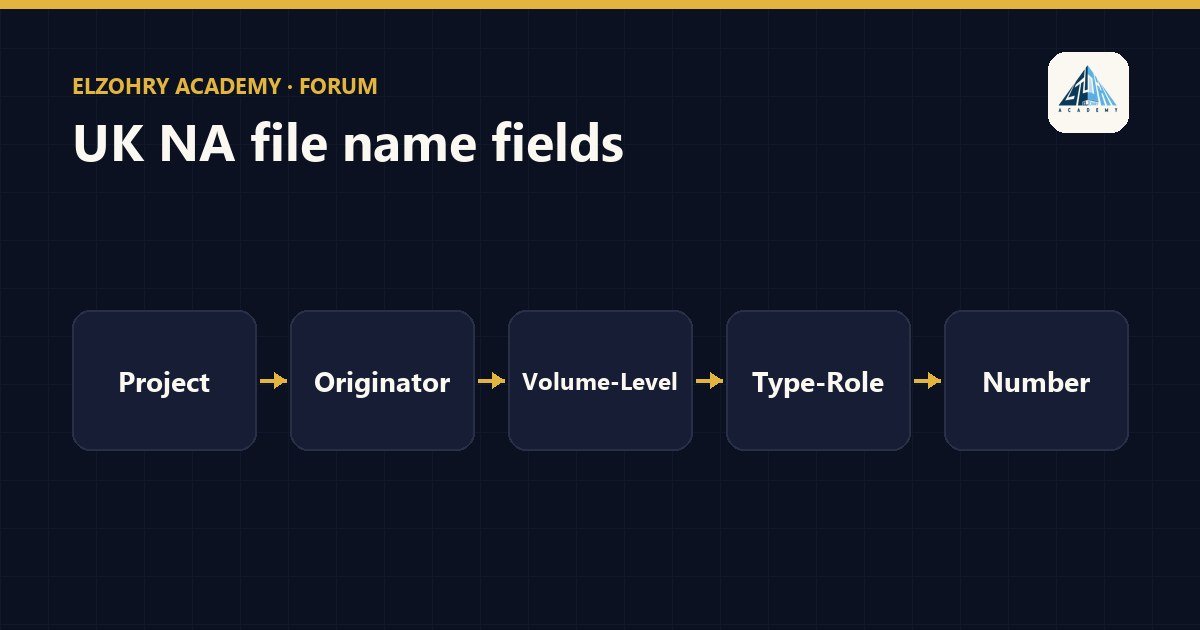
Project-Originator-Volume/System-Level/Location-Type-Role-Number
- Project: the project code.
- Originator: the code of the organization that created the file.
- Volume/System: a part or system of the project, like a specific building or zone.
- Level/Location: the floor or location.
- Type: the type of information, like a model, drawing, or report.
- Role: the discipline, like architectural or structural.
- Number: a sequential number.
Example
PRJ01-ABC-ZZ-02-DR-S-0001
It could be read like this (depending on the project codes):
PRJ01the projectABCthe design companyZZall parts of the project02the second floorDRdrawingSstructural0001the drawing number
A very important point
These codes are not fixed across all projects. Each project defines its codes in its information standard: the list of originators, the volume and level codes, the type and role codes, and the number of digits in the number. So before you name any file, go back to that document.
Practical tips
- Make a table of the approved codes and post it in front of the team or put it in the CDE.
- The status and revision are usually recorded as metadata alongside the file name, not inside it, depending on what the project specifies.
- If you're exporting sheets from Revit, you can set the file name on export so it follows the same structure.
#ISO 19650#File Naming#UK National Annex#CDE