MCP in Plain Terms: How an AI Assistant Reads Your Revit Model
Admin ·
Translated from Arabic. اقرأ الأصل بالعربي
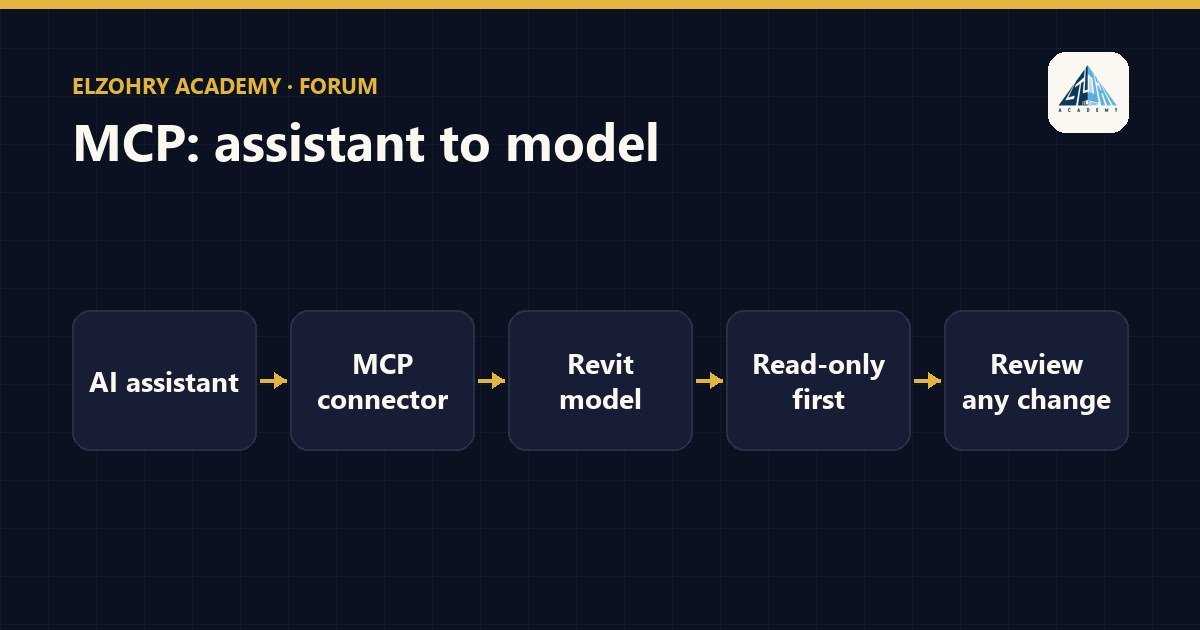
MCP stands for Model Context Protocol, an open protocol that defines a standard way for an AI assistant to talk to external tools and data sources. Think of it as a standard "plug": any MCP-compatible connector can be connected to any assistant that supports the protocol.
So what does this have to do with Revit?
There are connectors that run as an MCP server inside or alongside Revit, and give the assistant tools like:
- Read the categories in the model.
- Get the elements of a certain category and their parameter values.
- Show the warnings or the worksets.
Then you can ask in plain language: "How many doors on the third floor have no Fire Rating?" and the assistant uses these tools and answers you.
Start read-only
Some connectors also provide editing tools, like changing parameter values or deleting elements. My advice:
- At first, enable only the read tools.
- Don't let the assistant modify the model without seeing exactly what it's going to do and on which elements.
- If you're going to allow edits, test on a copy of the model, not on the Central.
- Ask it to show the list of elements it will modify before executing.
Be careful with the data
When the assistant reads the model, that data goes to the model running the assistant. If that's an online service, make sure this is allowed under the project contract and company policy.
MCP makes access to data easier, but it doesn't remove your responsibility for the model.