Navigate faster… and select precisely
Admin ·
Translated from Arabic. اقرأ الأصل بالعربي
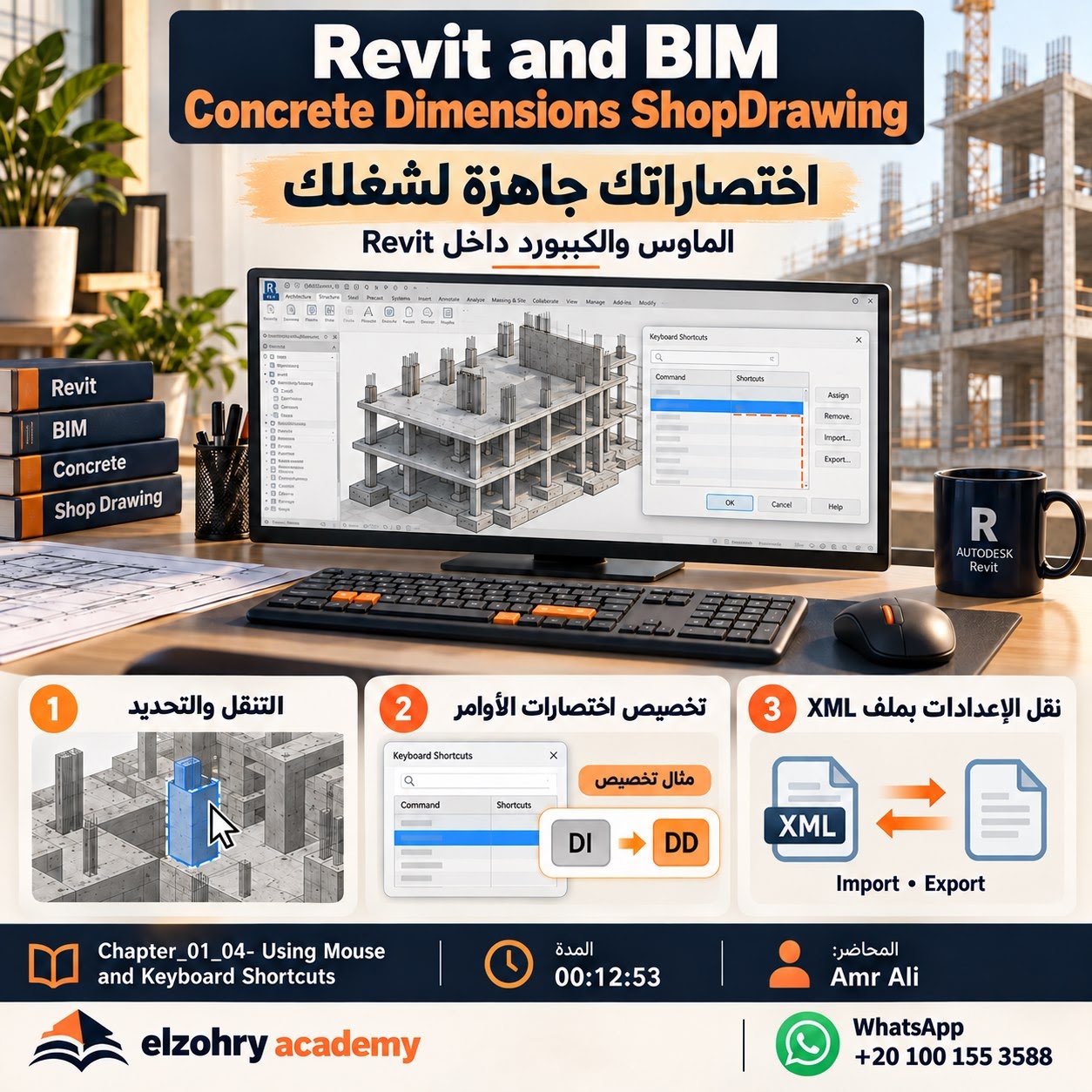
Using the mouse and shortcuts gets better once you tell navigation apart from selection and handle overlapping elements.
Who is it for? Beginners and anyone who wants to work faster in Revit.
What will you get out of it? You'll learn navigation, selection, customizing shortcuts, and transferring their settings.
Which shortcut can't you live without?
From BIM Concrete Dimensions & Shop Drawing — Eng. Amr Ali | Elzohry Academy