
Status Codes (Suitability Codes) in the UK National Annex
Admin ·
Translated from Arabic. اقرأ الأصل بالعربي
The file name tells you what the file is, but the status code (status or suitability) tells you what the file can be used for. A structural file may be available to everyone, but that doesn't mean it's approved for construction.
Shared (S) codes
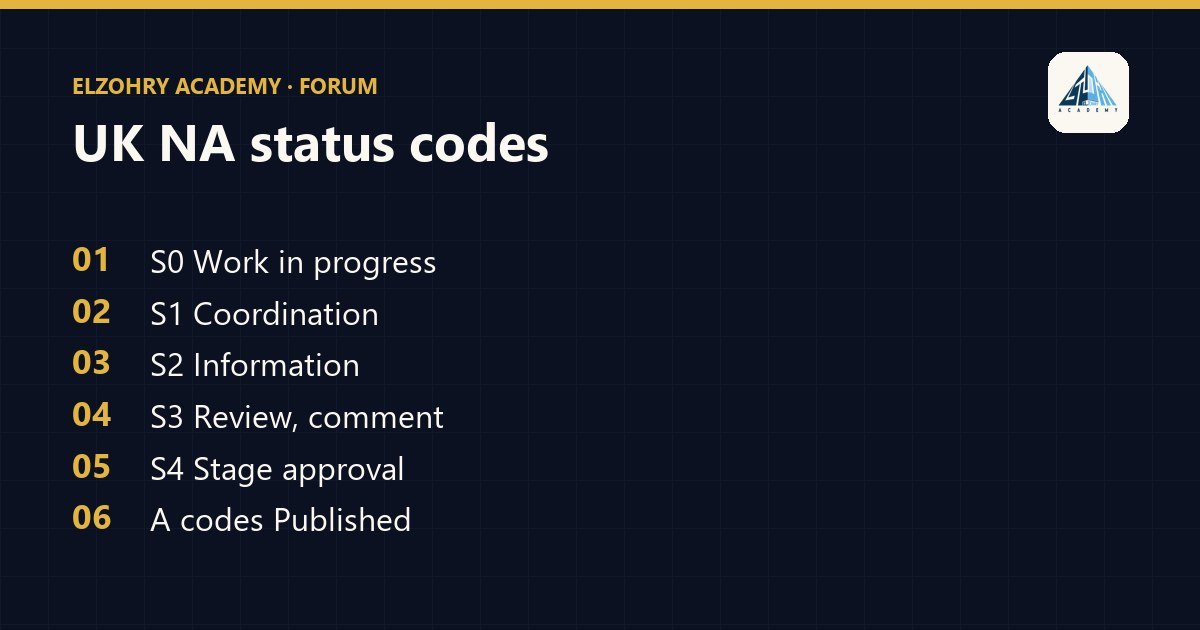
- S0: the initial status, work still in Work in Progress.
- S1: suitable for coordination. Other teams use it as a coordination reference.
- S2: suitable for information.
- S3: suitable for review and comment.
- S4: suitable for stage approval.
Published (A) codes
- Codes that start with the letter A followed by a number, like A1 and A2, used for information that has been approved and published, and the number is usually linked to the project stage.
- You may also find other publishing codes in the National Annex, so refer to the version your project is based on.
How to read them with the revision
The status and revision go together. For example, a file with status S1 has a temporary revision for sharing, and when it's approved and moves to A, it gets a revision specific to approved versions. The revision numbering method itself is defined by the project.
The project may define its own codes
Some projects use these codes as they are, and some add or modify them as needed. The reference is always the project's information standard or BEP.
Before you build any work on a file, look at the status code. An S2 file isn't a construction drawing, even if it looks final.
A common mistake
Uploading a file to Shared without a status code, or with the wrong code, makes the other teams misunderstand it. Make checking the status code a fixed part of the check before sharing.
#ISO 19650#Status Codes#CDE#UK National Annex