
Using AI to Draft a BEP or a Coordination Meeting Report
Admin ·
Translated from Arabic. اقرأ الأصل بالعربي
Writing a BEP or a coordination meeting report takes time, and a large part of it is wording and organizing. This is where AI can save you time, as long as you remain responsible for every piece of information written.
Coordination meeting report
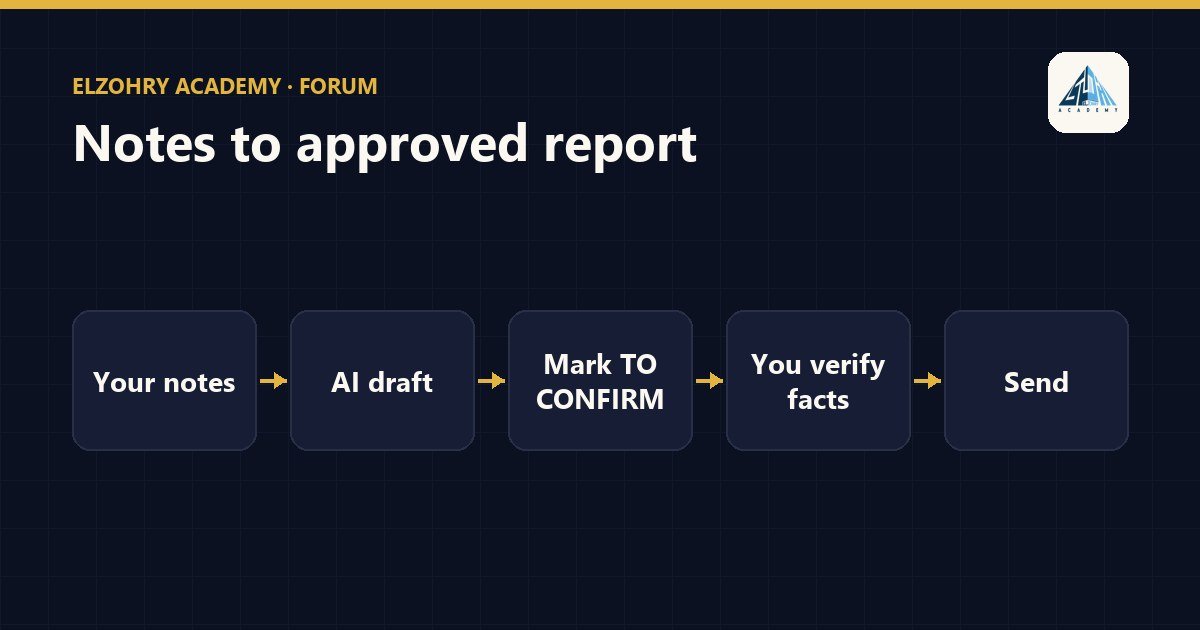
- Write your notes during the meeting as they are, even if they're brief.
- Ask the AI to organize them into a table: item, owner, due date, status.
- Ask it to flag any item that has no owner or date, instead of guessing.
- Check every name and every date yourself before sending.
BEP draft
- Start with the content structure required by the client's requirements or the EIR, not from the AI's imagination.
- Give the AI the real information: roles, software used, the LOD or required level of information, the delivery schedule.
- Ask it to draft the sections and write
[TO CONFIRM]next to anything that isn't in the information you gave it.
Common mistakes
- AI can write software names, dates, or responsibilities very convincingly when they aren't real. This happens when information is missing.
- It may write generic clauses that don't fit your project, like procedures that weren't agreed on.
- If the content includes confidential project information, don't use a public tool that isn't approved by your company.
AI writes the wording, but the facts, decisions, and commitments belong to you and the team. Any line in the BEP could be held against the project later.
Try starting with a single meeting report, and compare the time it took with the usual way.
#BEP#AI#Coordination#Documentation