
What Not to Put into Public AI Tools
Admin ·
Translated from Arabic. اقرأ الأصل بالعربي
AI tools have become part of daily work, but not everything should be copied and pasted into them. Before you upload a file or type in details, ask yourself: if this information leaked, who would it cause a problem for?
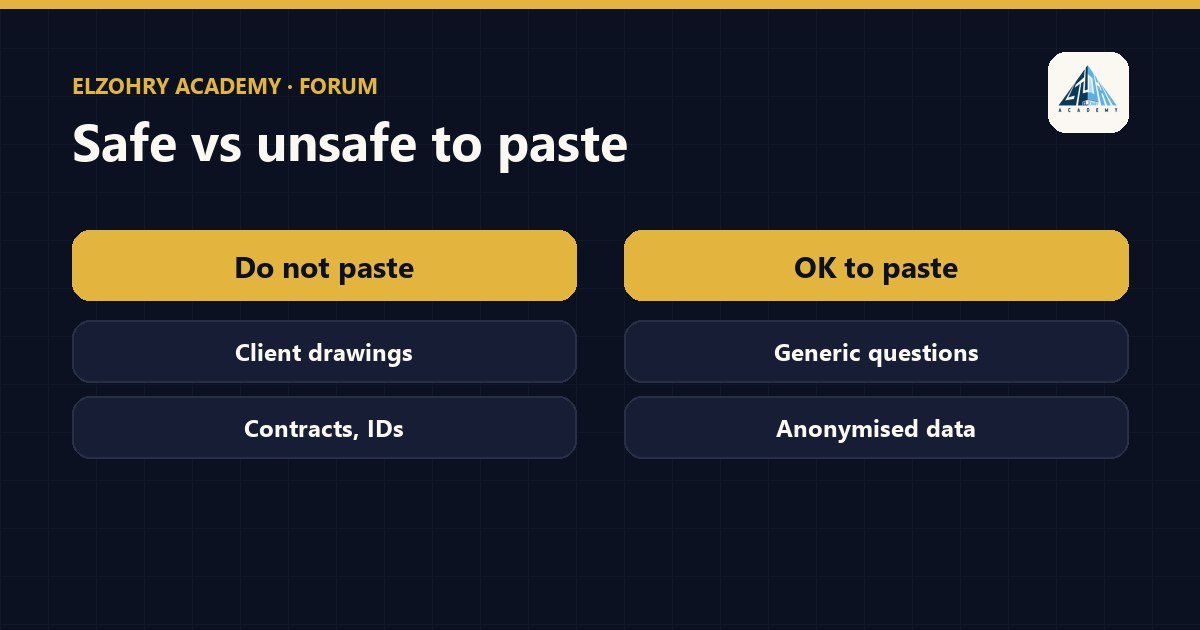
Things better kept out of public tools
- Client drawings and plans: especially projects with confidentiality terms, or sensitive buildings.
- Contracts and contractual correspondence: prices, terms, penalties, claims.
- Personal data: names, phone numbers, national ID numbers, and employee or worker data.
- Login credentials: passwords, API keys, private sharing links.
- The model files themselves or reports containing project and client names, unless the tool is approved.
Company accounts and data settings
- Ask management or IT: is there an approved tool? Is there a company account? Company accounts with many providers come with different terms for handling data.
- If you're using a personal account, go to the privacy settings and check whether conversations may be used to improve the service, and change the setting if available.
- Read the provider's data retention policy yourself; don't rely on general statements.
Safe ways to benefit
- Remove names and numbers and replace them with generic names like
Project AandClient X. - Ask about the method instead of sharing the data: "How do I create a schedule that groups doors by Fire Rating?" instead of uploading the model.
- Use a local model for sensitive things if the office has the capability.
The simple rule: if you wouldn't send this information in an email to someone outside the company, don't put it into a public tool.
And if your office has a written policy on AI use, that's the first reference before any advice.
#AI#Privacy#Data Security#Company Policy