
A Complete Coordination Workflow: From Revit to Navisworks to ACC and Back
Admin ·
Translated from Arabic. اقرأ الأصل بالعربي
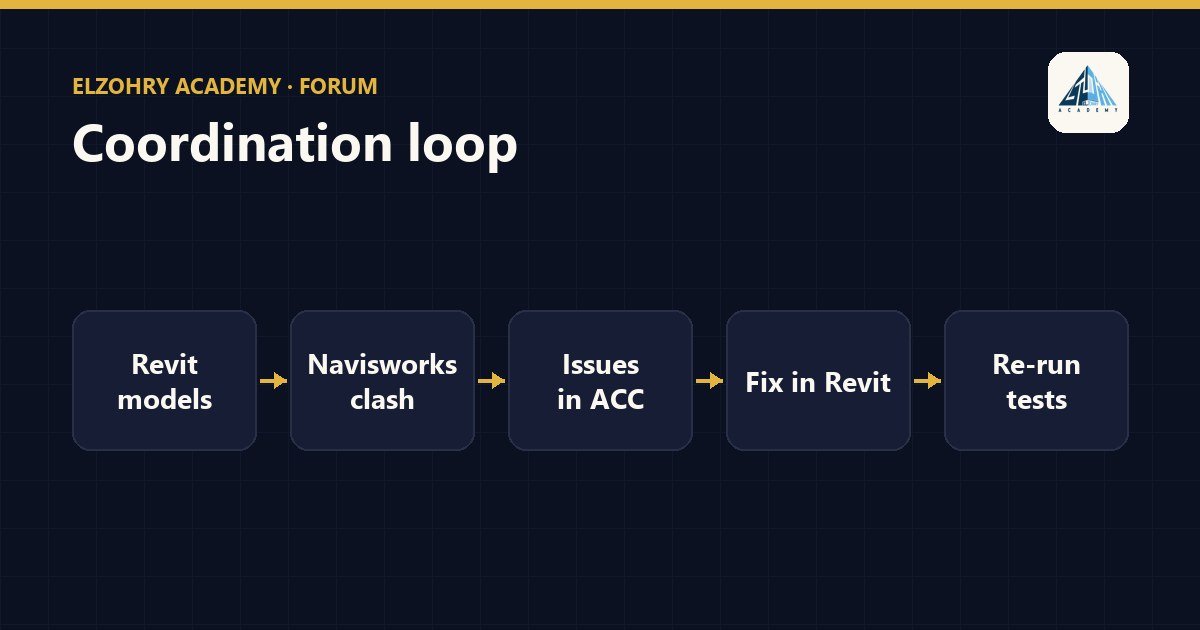
Coordination isn't running a clash test once and being done. It's a cycle that repeats until the important issues are closed. Here's a simplified picture of that cycle.
1. Preparing the Revit models
- Each discipline prepares its model: architectural, structural, MEP.
- Make sure the models share the same coordinates so they line up correctly.
- Export NWC from Revit, or use the method agreed on for the project, and create a dedicated export view containing only the required elements.
2. Aggregation and clash tests in Navisworks
- Combine the models into one file (NWF) to make updating easier.
- Create search sets or selection sets for each system: columns, beams, ducts, pipes.
- Run specific tests, for example Structure vs Ducts, instead of one test of everything against everything.
- Set a suitable tolerance, and group similar clashes.
3. Logging issues in ACC
- Real problems are logged as issues in ACC, each issue with: a description, a location, an image or view, an owner, and a due date.
- This keeps follow-up in one place instead of in emails.
4. Fixing
- Each discipline opens the issues assigned to it and makes the changes in its Revit model.
- It replies to the issue with the change that was made.
5. Re-running
- The updated models go back to Navisworks, and the tests are run again.
- Resolved clashes are closed, and new ones are logged.
- Issues in ACC are closed after verification, not just after a reply.
Repeat the cycle on fixed, agreed dates, so all teams know when their model needs to be ready.
This cycle is the subject of the Navisworks and ACC coordination workshop in the BIM 350 package, if you'd like to work through it in practice.
#Coordination#Navisworks#ACC#Revit#Clash Detection