
Applying ISO 19650 Ideas in Autodesk Construction Cloud
Admin ·
Translated from Arabic. اقرأ الأصل بالعربي
Autodesk Construction Cloud doesn't implement ISO 19650 by itself, but it has tools you can use to build a CDE that follows the same ideas. Here's a simple practical setup.
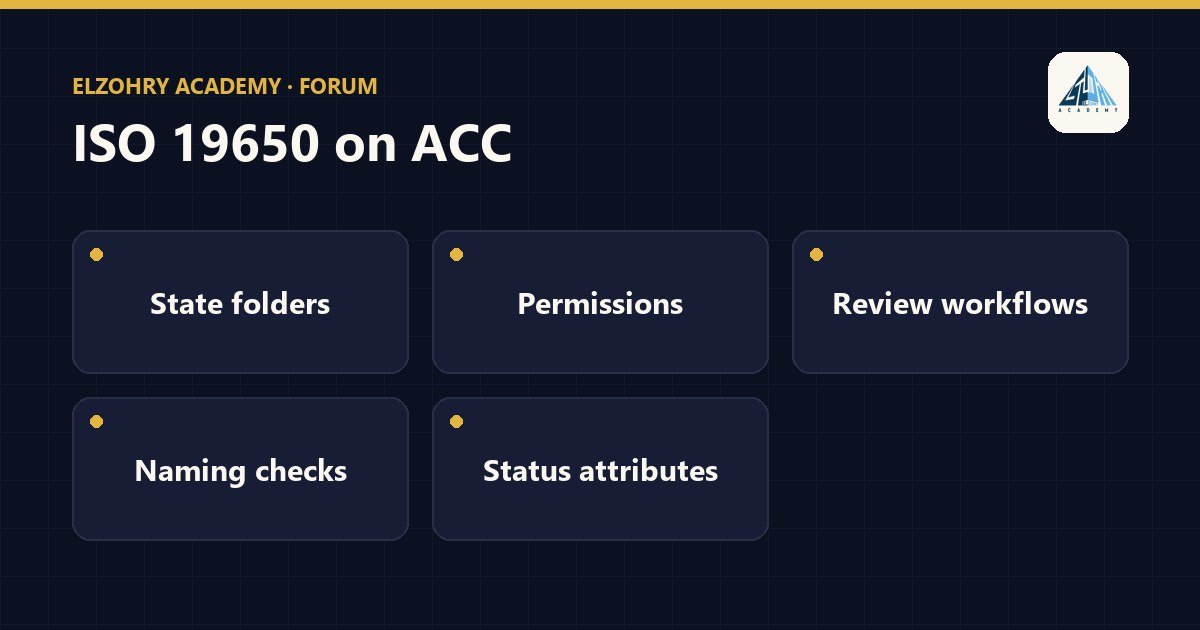
1. Folders by state
In Docs, create a clear structure, for example:
01_WIP, containing a folder for each discipline or task team.02_SHARED03_PUBLISHED04_ARCHIVED
The names themselves are defined by the project; what matters is that the state is clear from the file's location.
2. Permissions
- WIP folder for each team: only that team can upload and edit.
- Shared: everyone can view, but uploading is for those responsible for publishing in each team.
- Published: very limited upload permission, and everyone else can view or download.
- Review permissions at the company and role level, not just individuals, so anyone new automatically gets the right permission.
3. Reviews and approval workflows
- Use the review workflows in Docs so that moving files from Shared to Published goes through review and approval.
- Define in the workflow who reviews and who approves, and what happens to the file after approval, like copying it to the Published folder.
4. Naming validation
- ACC lets you define a naming standard at the folder level in Docs, depending on the settings and the subscription available to you, so a file whose name doesn't follow the structure gets flagged.
- If it's not available to you, make a manual checklist before uploading, or a simple script that checks the names.
5. Status as metadata
Use custom attributes in Docs to record the status code and revision instead of putting them in the file name.
The tool helps, but what actually makes the CDE work is the whole team sticking to the same rules written in the BEP.
#ISO 19650#ACC#CDE#Autodesk Docs