Elzohry Academy
Log in / Sign up
EGP $
Home Courses Browse all courses (A–Z) BIM coordination BIM IT Architecture Programming & API Planning Steel structures Structural design Packages Paths Instructors Certificates Forum Contact us Book a support call

Architecture · All levels

Architectural Visualization Diploma using 3ds max

A complete architectural visualization diploma: learn 3ds Max from scratch, lighting and materials with V-Ray, and apply it to complete interior and exterior projects.

20chapters
182video lessons
60:07:48actual length
ARTaught in Arabic
Recordedwith support, not live and not on-site

This page is translated from Arabic. The course videos are in Arabic.
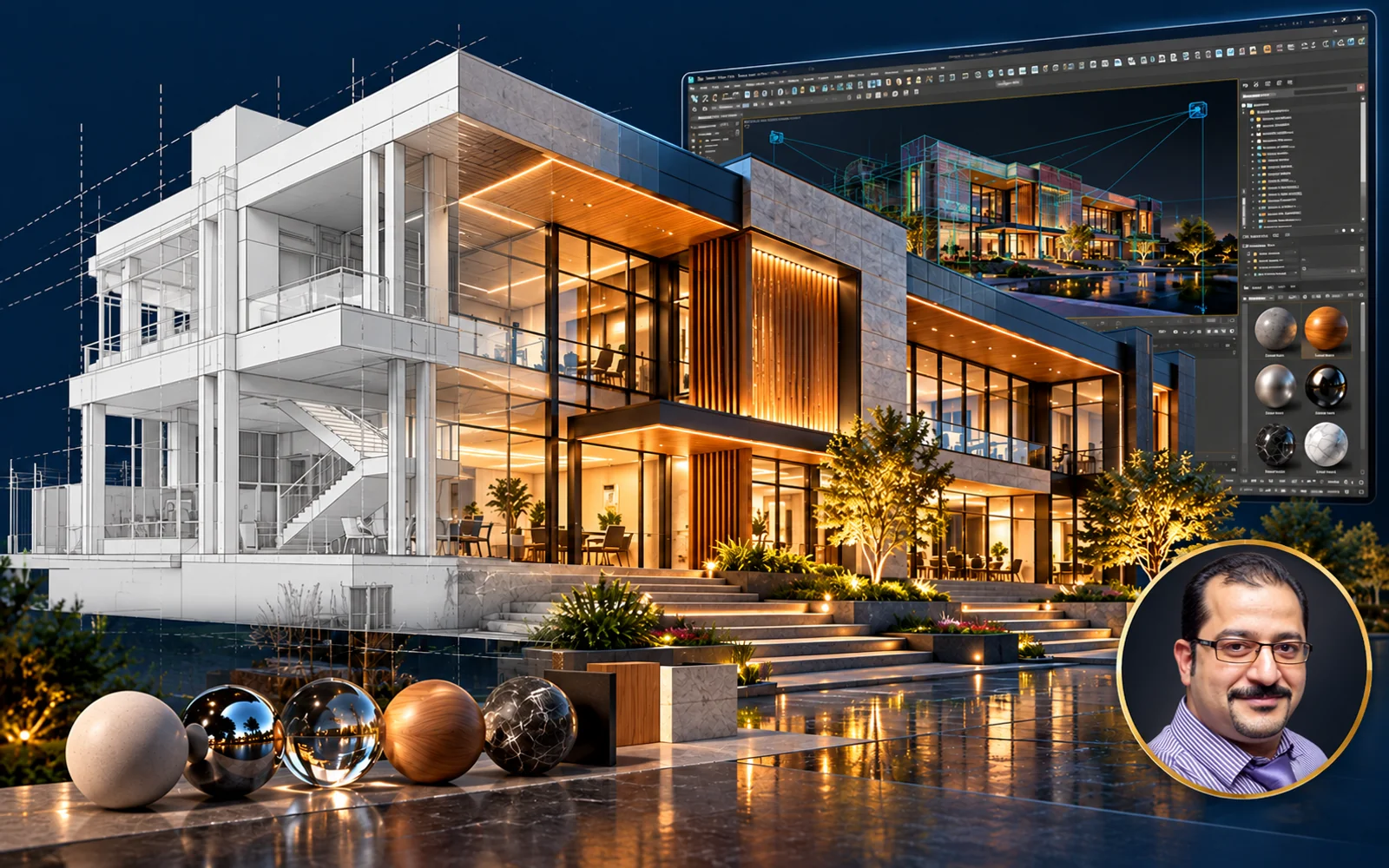
Architectural Visualization Diploma using 3ds max

About this course

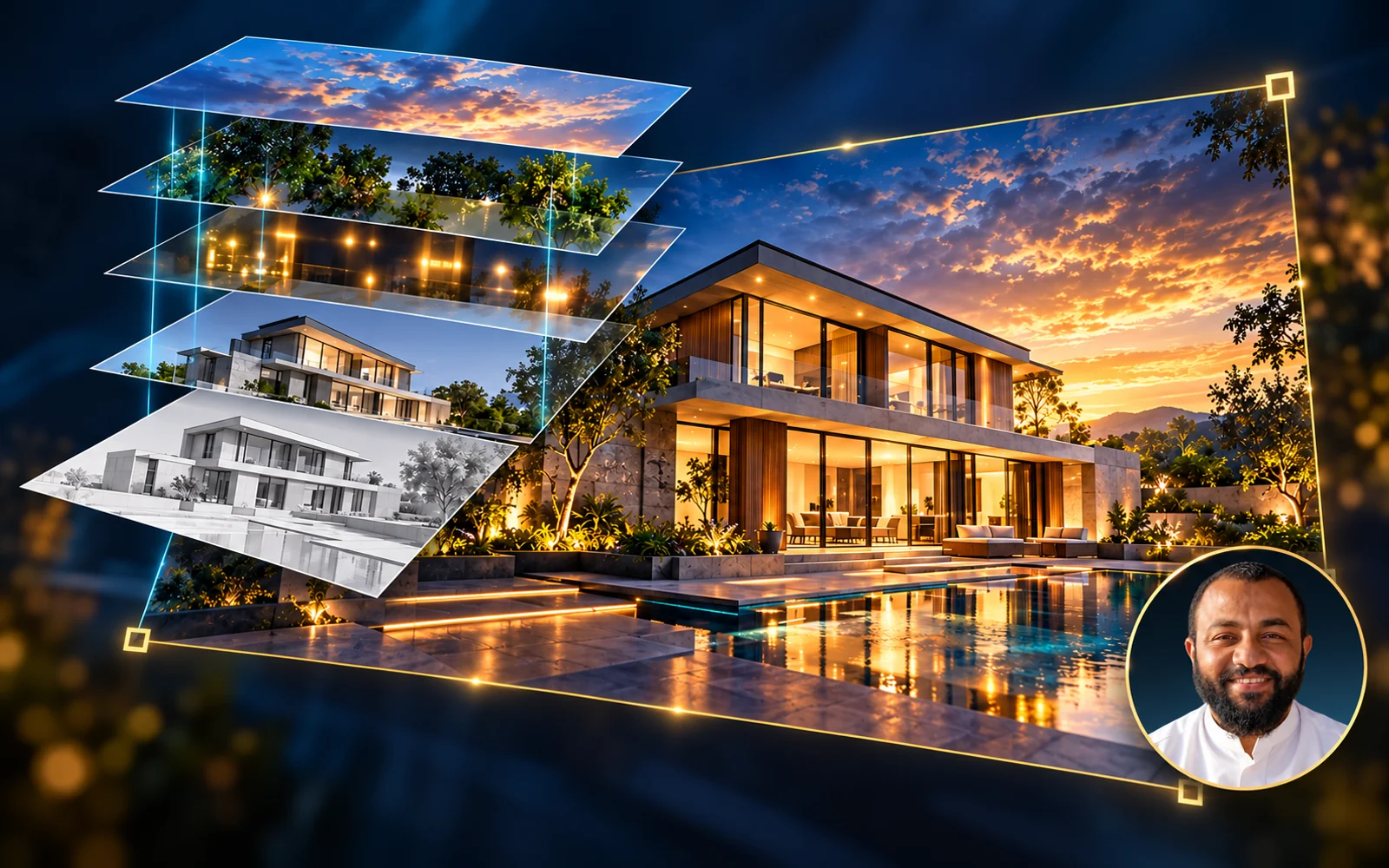
A diploma in architectural visualization using 3ds Max and V-Ray, bringing together several specialized courses from beginner to professional. You'll start with 3ds Max basics and modeling, then move on to lighting and realistic materials, and finish with hands-on workshops on interior and exterior projects.

Software
3ds Max, V-Ray

What you'll learn

  • 3ds Max basics from scratch and organizing your architectural files
  • Modeling with Spline and Edit Poly commands, with practical exercises
  • Controlling interior and exterior lighting with V-Ray and understanding the effect of each type
  • Creating realistic materials and finishes with V-Ray
  • Using scripts and plugins that speed up your work
  • Producing complete interior and exterior scenes, from setup to final render

Course content at a glance

  • Architectural 3ds Max secrets course
  • Professional lighting with V-Ray course
  • Realistic materials and finishes with V-Ray course
  • Scripts and plugins course
  • Interior project workshops: bedrooms and living rooms
  • Exterior project workshops: a residential project and a classic palace

Who this course is for

  • Architectural engineers and designers who want to master visualization
  • Beginners in 3ds Max; the diploma starts from the basics

What you need before you start

  • 3ds Max and V-Ray installed on your computer

Course content

20chapters
182video lessons
60:07:48Actual length (h:m:s)
01 3d Studio Max Secrets Course 109 lessons31h 13m ⌄
01 Chapter 01 - ( Navigation As Ababy ) 8 lessons1h 51m ⌄
  1. 01 01 - User Interface 08:04
  2. 02 02 - Navigation Tools Part 1 17:37
  3. 03 03 - Navigation Tools Part 2 14:01
  4. 04 04 - Control in Viewport Graphics 12:13
  5. 05 05 - Selection Methods 23:23
  6. 06 06 - Isolate 01:03
  7. 07 07 - Transform & Units 23:36
  8. 08 08 - Customizing User Interface 11:21
02 Chapter 02 - ( Create and Starting Different Operations ) 12 lessons3h 9m ⌄
  1. 01 01 - Create and Modify 33:16
  2. 02 02 - Autogrid , Clone Option and Gizmo Size 17:06
  3. 03 03 - Co-ordinate System inside Max 27:46
  4. 04 04 - Pivot Control 18:56
  5. 05 05 - Shapes 22:13
  6. 06 06 - Array 23:40
  7. 07 07 - Spacing Tool 07:28
  8. 08 08 - Clone And Align 05:10
  9. 09 09 - Align Tools 12:05
  10. 10 10 - Mirror 01:47
  11. 11 11 - Snap intro 06:14
  12. 12 12 - Applications 13:24
03 Chapter 03 - ( Make Your World and Take advantage of your abilities ) 14 lessons1h 38m ⌄
  1. 01 01 - Groups In Depth 10:48
  2. 02 02 - Hide and Unhide Objects 02:30
  3. 03 03 - Parametric Deformers ( Bend ) 17:50
  4. 04 04 - Parametric Deformers ( Twist ) 04:34
  5. 05 06 - Parametric Deformers ( Stretch ) 03:01
  6. 06 07 - Parametric Deformers ( Lattice ) 05:11
  7. 07 08 - Parametric Deformers ( Noise , Ripple and Wave ) 06:14
  8. 08 09 - Parametric Deformers ( Push ) 00:53
  9. 09 10 - Parametric Deformers ( Skew ) 01:41
  10. 10 11 - Parametric Deformers ( Spherify ) 01:03
  11. 11 12 - Parametric Deformers ( Mirror ) 02:46
  12. 12 13 - Parametric Deformers ( Slice and Shell ) 05:16
  13. 13 14 - Free Form Deformers ( FFD Package ) 29:40
  14. 14 15 - Very important Notes ( Order Arranging ) 06:22
04 Chapter 04 - ( Applications ) 7 lessons1h 27m ⌄
  1. 01 Application-01 18:18
  2. 02 Application-02 14:15
  3. 03 Application-03 14:44
  4. 04 Application-04 14:29
  5. 05 Merge Files 02:41
  6. 06 Snap 09:32
  7. 07 Symmetry 13:29
05 Chapter 05 - ( Mastering ^Spline^ Orders ) 9 lessons2h 40m ⌄
  1. 01 01 Editable-Spline 18:20
  2. 02 02 Editable-Spline (Sub Level Vertex) 20:08
  3. 03 03 Editable-Spline (Sub Level Vertex) 18:47
  4. 04 04 Editable-Spline (Sub Level Vertex) 05:31
  5. 05 05 Editable-Spline (Sub Level Segment) 07:47
  6. 06 06 Editable-Spline (Sub Level Spline) 11:33
  7. 07 07 Editable-Spline ( Full Application 01 ) 20:52
  8. 08 08 Editable-Spline ( Full Application 01) 18:28
  9. 09 09 Editable-Spline ( Advanced Application ) 38:25
06 Chapter 06 - ( Transform from the earth to Sky ) 19 lessons3h 19m ⌄
  1. 01 01 Extrude issues 10:11
  2. 02 02 Bevel 09:19
  3. 03 03 Bevel Profile 07:15
  4. 04 04 Lathe 10:37
  5. 05 05 Sweep 17:46
  6. 06 06 Sweep Tricky Application 03:38
  7. 07 07 TrackScript 04:34
  8. 08 08 Surface Modifier Secrets 25:37
  9. 09 09 Measuring-tools 05:49
  10. 10 10 Compound Objects ( Boolean,ProBoolean ) 22:44
  11. 11 11 Compound Objects ( Connect ) 05:31
  12. 12 12 Compound Objects ( shape Merge ) 07:59
  13. 13 13 Compound Objects ( Morph For Fun ) 05:35
  14. 14 14 Compound Objects ( Scatter ) 08:14
  15. 15 15 Compound Objects ( Conform ) 04:15
  16. 16 16 Compound Objects ( Procutter ) 07:02
  17. 17 17 Compound Objects ( Loft 01 ) 09:23
  18. 18 18 Compound Objects ( Loft 02 ) 24:22
  19. 19 task 1 08:57
07 Chapter 07 - ( Work Hard With Editpoly ) 8 lessons3h 30m ⌄
  1. 01 01 Editable Poly (Selection) 29:50
  2. 02 02 Editable Poly (Vertices) 15:38
  3. 03 03 Editable Poly (Edges) 19:00
  4. 04 04 Editable Poly (Borders Polygons Elements) 19:08
  5. 05 05 Editable Poly (Edit Geometry) 27:10
  6. 06 06 Editable Poly (Soft Selection - Paint Deformation) 19:14
  7. 07 07 Subdivisioning and Smoothing 31:07
  8. 08 08 bookcase Application 49:20
08 Chapter 08 - ( Future House Application ) 6 lessons3h 2m ⌄
  1. 01 00 crazy creation 1:10:00
  2. 02 01 Modeling Future House 26:05
  3. 03 02 Modeling Future House 20:06
  4. 04 03 Modeling Future House (Shingles - Windows) 33:10
  5. 05 04 Modeling Future House ( Finish Windows ) 20:46
  6. 06 05 Modeling Future House ( Door ) 11:40
09 Chapter 09 - ( Basic And Advanced Appliactions ) 10 lessons4h 50m ⌄
  1. 01 01 Bookcase 01 45:04
  2. 02 02 Cutting Board 23:14
  3. 03 03 Chair_1 30:00
  4. 04 04 Candle Holder 12:42
  5. 05 05 Cup 13:03
  6. 06 06 Teapot 49:56
  7. 07 07 Chair_2 33:55
  8. 08 08 Chandelier 33:13
  9. 09 09 Organic Model 38:08
  10. 10 10 Shaded Walkway 11:02
10 Chapter 10 - ( Let's Do More Application ) 10 lessons3h 46m ⌄
  1. 01 01 Capiton 15:47
  2. 02 02 Hedra Transform 12:39
  3. 03 03 Cloth Basics 17:17
  4. 04 04 Cloth (Make pillow 01) 20:59
  5. 05 05 Cloth (Make pillow 02) 15:51
  6. 06 06 Cloth (Make curtain) 32:51
  7. 07 07 Cloth (Make flag) 26:55
  8. 08 08 Sofa Modeling 59:21
  9. 09 09 Simple Bed 12:47
  10. 10 10 Exterior Model 11:13
11 Chapter 11 - Test Studio Lighting 6 lessons2h 0m ⌄
  1. 01 01 Setup V-ray 08:48
  2. 02 02 Modeling Scene 04:33
  3. 03 03 Camera And Gamma Correction 24:23
  4. 04 04 Setup Lighting (Master Key) 30:25
  5. 05 05 Continu Setup Lighting (Fill and Back Light) and Materials 19:53
  6. 06 06 Mulberry 32:19
02 Mastering V-ray Course - (Make It Realistic) 36 lessons13h 34m ⌄
01 Lighting 19 lessons6h 43m ⌄
  1. 01 Intro Pixar World 19:17
  2. 02 Installing V-ray 3.6 13:02
  3. 03 installing My First Camera 16:09
  4. 04 Cameras Theory 31:02
  5. 05 Setup V-ray Sun and Let's Start 11:41
  6. 06 Reset Gamma and assign Gray Color To Scene 10:43
  7. 07 Global Illumination and Resolution in Depth 17:08
  8. 08 White Balance and Continue Global Illumination 24:33
  9. 09 Skylight Portal - Amb Occ 12:54
  10. 10 Anti-Aliasing ( Image Sampler ) 23:04
  11. 11 catmull-Rom and Mitchell-Netravali 09:12
  12. 12 global Switches and begin Night Mode Setup 25:52
  13. 13 Night Mode Setup PART 2 24:27
  14. 14 Hidden Lights - Gamma Output - Save Render Preset - Mesh Light - Vray Light Mtl 27:42
  15. 15 Blue Villa ( Lighting Stage ) 47:08
  16. 16 Commercial Building ( Exterior Light with V-ray Sun ) 18:26
  17. 17 President villa ( DayLight Test ) 38:29
  18. 18 President villa ( Night Lighting Test ) 30:17
  19. 19 Vray-Sterio Scopic Problem 02:22
02 Materials 17 lessons6h 51m ⌄
  1. 01 Materials Intro 16:34
  2. 02 gold and Silver 14:08
  3. 03 Mapping Techniques 47:26
  4. 04 Wood Flooring 45:51
  5. 05 Stone 22:15
  6. 06 Fire 09:41
  7. 07 Water 38:11
  8. 08 Grass By (ForestPro) - Cellular Map 31:59
  9. 09 V-rayFur - V-ray Displacment MOD 23:34
  10. 10 V-ray Dirt For Classic Details 07:04
  11. 11 Asphalt_Wet 19:57
  12. 12 Part 1 Unwarp UVW (Asphalt Wet) 49:17
  13. 13 Part 2 Unwarp UVW (Asphalt Wet) 26:29
  14. 14 How To Use 3D Library 20:00
  15. 15 Proxy Revoluation 20:24
  16. 16 Wood . Marble Pro Materials (Moving to Reality) 05:38
  17. 17 Siger Shader Material Plugin 12:07
03 Workshops ( Interior - Exterior ) 31 lessons13h 42m ⌄
01 Interior Application › Interior Workshop ( Bedroom ) 7 lessons3h 43m ⌄
  1. 01 Import Cad -and- Modeling Walls 31:36
  2. 02 Modeling Ceiling -and- Decoration elements 48:18
  3. 03 Adding Models and Finish It 23:41
  4. 04 HDRI Lighting - Sunny Mode 17:11
  5. 05 Setup Artifitial Lighting 29:46
  6. 06 Create Materials 32:41
  7. 07 Create Materials 39:28
02 Interior Application › Interior Workshop (Pretty Mood - Living Room) 3 lessons58m ⌄
  1. 01 workshop-3-lesson 01 - Modeling and Lighting 23:51
  2. 02 workshop-3-lesson 02 - Materials 16:04
  3. 03 workshop-3-lesson 03 - Post production 17:35
03 Interior Application › Wooden BedRoom 6 lessons2h 26m ⌄
  1. 01 Modeling Walls and Floor 35:36
  2. 02 Modeling roof and finish modeling 17:01
  3. 03 Adding Furniture Blocks 13:03
  4. 04 Lighting Setup 35:25
  5. 05 Materials 31:34
  6. 06 Post Production 13:41
04 Interior Application › horror wooden workshop 1 lesson46m ⌄
  1. 01 horror wooden workshop 46:17
05 Exterior Application › Pegasus Exterior Workshop 4 lessons1h 1m ⌄
  1. 01 Intro 02:30
  2. 02 Lighting 12:08
  3. 03 Create Materials 43:42
  4. 04 speed marketing 02:55
06 Exterior Application › Exterior Workshop ( Classic palace ) 10 lessons4h 48m ⌄
  1. 01 Step 1 ( Preparing Cad Files and Export East Elevation ) 40:53
  2. 02 Step 2 ( Preparing Cad Files and Export North Elevation ) 15:21
  3. 03 Step 3 ( Preparing Cad Files and Export South Elevation Part 1 ) 32:40
  4. 04 Step 4 ( Preparing Cad Files and Export South Elevation Part 2 ) 28:50
  5. 05 Step 5 ( Preparing Cad Files and Export South Elevation Part 3 ) 26:18
  6. 06 Step 6 ( Preparing Cad Files and Export South Elevation Part 4 ) 28:55
  7. 07 Step 7 ( Preparing Cad Files and Export South Elevation Part 5 ) 32:58
  8. 08 Step 8 ( Stairs ) 19:14
  9. 09 Step 9 ( Windows - Doors ) 26:35
  10. 10 Step 10 ( Round Wall and Windows ) 36:13
04 Scripts and plugin Course 6 lessons1h 39m ⌄
  1. 01 collect asset Script 17:14
  2. 02 Forest Pro - start as a byby 26:12
  3. 03 Forest Pro - adding some Details 23:11
  4. 04 Forest Pro - Control in items 10:00
  5. 05 Forest Pro - Manual distribution 07:45
  6. 06 Forest Pro - Fix destroyed forest object Files 14:32

Lengths are measured from the video files themselves.

What do you get when you enroll?

Recorded videos

Watch whenever suits you and replay any lesson as often as you like.

B&E Player

The course runs in a protected player on your computer, even offline after activation. If you change computers, you get 3 free moves per course; after that a move costs a small fee.

Certificate of completion

You request the certificate after you solve the course tasks, finish part of the course and upload your work to the site. It has a verification page with its number.

Support and follow-up

Ask in the forum or book a support call with the instructor.

Architectural Visualization Diploma using 3ds max

Start today and learn on real projects

20 chapters, 182 lessons, 60.1 hours of teaching

$22

$50

Or ask on WhatsApp

What our students say

WhatsApp
صباح الخير ياهندسة ازي حضرتك يارب تكون بخير، حابب اشكر حضرتك الاول علي المجهود الجبار المعمول ف الدبلومة 💙🙏 كنت ف انترفيو الاسبوع اللي فات في مكتب كبير، والمهندس اللي عمل الانترفيو انبهر جدا بمستوايا ف الريفيت وسالني اتعلمت مع مين، فقلتله ان معظم اللي اعرفه كان من مهندس حسام الزهيري والدبلومة بتاعته وطلع عارف حضرتك 😂 والحمدلله اتقبلت وفي مرحلة التفاوض علي المرتب 💙
ط طالب في دبلومة البيم
WhatsApp
والله دي حقيقه، انا كنت ف شركه زدت ٦ أضعاف مرتبي بعد توفيق ربنا الفضل للمحتوى بتاعكم
ط طالب في دبلومة البيم
WhatsApp
عاوز اقولك حاجه، والله انا رحت شركه كبيره، مستوى حلو جدا جدا ف الريفيت مقارنه بال موجودين الفضل لربنا ثم حضرتك، ورشحت لحضرتك زميل هنا واشترك مع حضرتك من اسبوع
ط طالب في دبلومة البيم

Related courses

$22 $50