Elzohry Academy
Log in / Sign up
EGP $
Home Courses Browse all courses (A–Z) BIM coordination BIM IT Architecture Programming & API Planning Steel structures Structural design Packages Paths Instructors Certificates Forum Contact us Book a support call

Architecture · All levels

Photoshop Secrets Course

Learn Photoshop for architectural presentation: color and lighting correction, turning AutoCAD files into presentation boards, image editing, and Post Production.

11chapters
34video lessons
11:02:42actual length
ARTaught in Arabic
Recordedwith support, not live and not on-site

This page is translated from Arabic. The course videos are in Arabic.
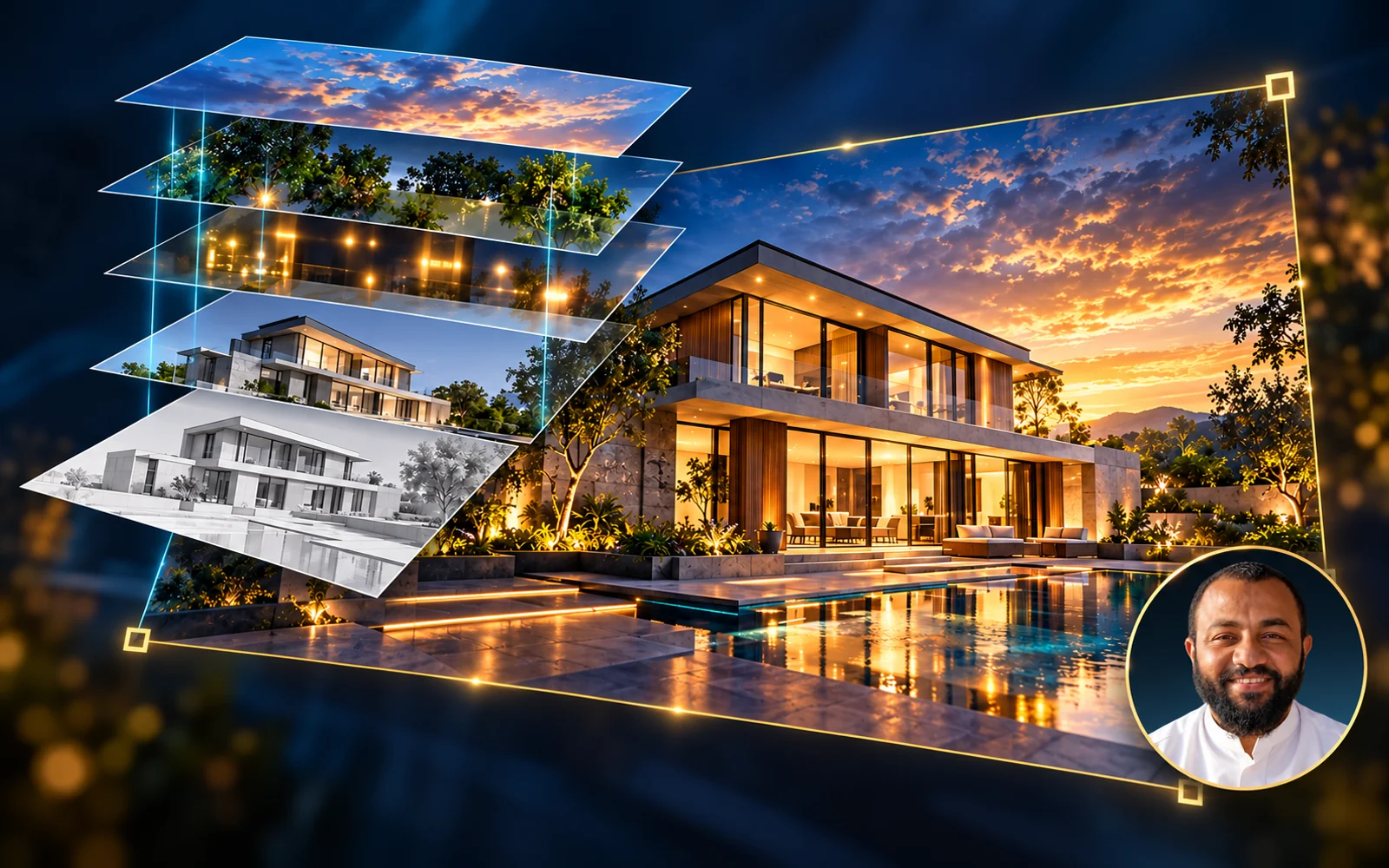
Photoshop Secrets Course

About this course

The architectural Photoshop secrets course. You'll learn to turn ordinary architectural drawings into professional presentation boards, from setting up your workspace and correcting colors to turning AutoCAD files into presentation renderings and Post Production.

Instructor
Eng. Ahmed Abdelaal
Software
Photoshop, AutoCAD

What you'll learn

  • Setting up the Photoshop workspace with the best settings
  • Importing and organizing images and files, and controlling Layers
  • Color correction and lighting adjustment: Brightness/Contrast, Levels, Curves, and Shadows/Highlights
  • Adding a plotter in AutoCAD to export files and prepare them for work in Photoshop
  • Turning AutoCAD files into presentation renderings and adding furniture to any floor plan
  • Professional cutting and selection, and using images as reference sources in design
  • Cleaning up images and fixing flaws with studio techniques
  • Using filters, brushes, fonts, and Styles, plus Post Production and Manipulation

Who this course is for

  • Architects and architecture students
  • Anyone who wants to present their architectural projects professionally
Eng. Ahmed Abdelaal Youssef

Instructor

Eng. Ahmed Abdelaal Youssef

All instructors

Course content

11chapters
34video lessons
11:02:42Actual length (h:m:s)
01 Chapter 01 - interface and Adjust best settings 1 lesson22m ⌄
  1. 01 Interface and Adjust best settings 22:26
02 Chapter 02 - Layers , Variations and arranging Images 1 lesson38m ⌄
  1. 01 Layers , Variations and arranging Images 38:26
03 Chapter 03 -BrightinessContrast - Level - Curves Black and White 1 lesson27m ⌄
  1. 01 BrightinessContrast - Level - Curves Black and White 27:06
04 Chapter 04 - Shadows and Highlight , Canvas Size , Selection intro 1 lesson40m ⌄
  1. 01 Shadows and Highlight , Canvas Size , Selection intro 39:31
05 Chapter 05 - ( Selection , Crop , Paint , Brushs , Options ) 4 lessons1h 3m ⌄
  1. 01 01 - Selection Tools 26:53
  2. 02 02 - Crop Tool 08:32
  3. 03 03 - More Important Option 09:09
  4. 04 04 - Brushs , Paint And Gradiant Tools 18:43
06 Chapter 06 - Mastering Layers 5 lessons1h 40m ⌄
  1. 01 01 - Create Your Own Workspace 08:39
  2. 02 02 - Layers Part 1 10:32
  3. 03 02 - Layers Part 2 32:21
  4. 04 03 - Layer Style 30:08
  5. 05 04 - Layer Mask 18:49
07 Chapter 07 - Rulers , Guides , Vector Tools , and control The Colors 7 lessons1h 29m ⌄
  1. 01 01 - Match Color , Replace Color and Mask Trick 14:25
  2. 02 02 - Adjustments Layer 07:25
  3. 03 03 - Rulers , Grids and Smart Guides 13:17
  4. 04 04 - Info Tool 01:41
  5. 05 05 - Vector Shapes 18:25
  6. 06 06 - Pen Tool 19:29
  7. 07 07 - Text 13:58
08 Chapter 08 - Adding Presets & Post Production basics 5 lessons1h 27m ⌄
  1. 01 01 - Adding Presets 22:03
  2. 02 02 - Post produstion Basics 27:05
  3. 03 03 - Camera Raw and some important Filters 19:35
  4. 04 04 - Magic Bullet Plugin 11:24
  5. 05 05 - post production daylight shot 07:14
09 Chapter 09 - Continue Post Production Advanced 5 lessons2h 6m ⌄
  1. 01 01 - Exterior Night Shot 09:53
  2. 02 02 - Elements from 3ds max and how to export 08:34
  3. 03 03 - interior Shot with channels 21:23
  4. 04 04 - sun ray Simulation 16:18
01 ref 1 lesson1h 10m ⌄
  1. 01 Lec 15 1:10:17
10 Chapter 10 - Profissional Applications - photoshop manipulation 4 lessons1h 9m ⌄
  1. 01 Presentation Plans - Part 1 13:45
  2. 02 Presentation Plans - Part 2 30:22
  3. 03 Presentation Plans - Part 3 17:18
  4. 04 Presentation Plans - Part 4 07:39

Lengths are measured from the video files themselves.

What do you get when you enroll?

Recorded videos

Watch whenever suits you and replay any lesson as often as you like.

B&E Player

The course runs in a protected player on your computer, even offline after activation. If you change computers, you get 3 free moves per course; after that a move costs a small fee.

Certificate of completion

You request the certificate after you solve the course tasks, finish part of the course and upload your work to the site. It has a verification page with its number.

Support and follow-up

Ask in the forum or book a support call with the instructor.

Photoshop Secrets Course

Start today and learn on real projects

11 chapters, 34 lessons, 11 hours of teaching

$10

$20

Or ask on WhatsApp

What our students say

WhatsApp
صباح الخير ياهندسة ازي حضرتك يارب تكون بخير، حابب اشكر حضرتك الاول علي المجهود الجبار المعمول ف الدبلومة 💙🙏 كنت ف انترفيو الاسبوع اللي فات في مكتب كبير، والمهندس اللي عمل الانترفيو انبهر جدا بمستوايا ف الريفيت وسالني اتعلمت مع مين، فقلتله ان معظم اللي اعرفه كان من مهندس حسام الزهيري والدبلومة بتاعته وطلع عارف حضرتك 😂 والحمدلله اتقبلت وفي مرحلة التفاوض علي المرتب 💙
ط طالب في دبلومة البيم
WhatsApp
والله دي حقيقه، انا كنت ف شركه زدت ٦ أضعاف مرتبي بعد توفيق ربنا الفضل للمحتوى بتاعكم
ط طالب في دبلومة البيم
WhatsApp
عاوز اقولك حاجه، والله انا رحت شركه كبيره، مستوى حلو جدا جدا ف الريفيت مقارنه بال موجودين الفضل لربنا ثم حضرتك، ورشحت لحضرتك زميل هنا واشترك مع حضرتك من اسبوع
ط طالب في دبلومة البيم

Related courses

$10 $20